
In this article
ClickFix remains an effective social-engineering pattern because it persuades a person to run a command that an attacker supplies. In January 2026, researchers reported a campaign aimed at European hospitality staff that used Booking.com-themed lures and a fake Windows crash screen to present recovery instructions. Microsoft also documented a related ClickFix evolution in January, published in February, called CrashFix. Campaign details and payloads vary, but the defensive question is current: can users recognize instructions to paste commands, and can endpoint controls detect what happens next?
The Attack Chain, Step by Step
The campaign began with phishing emails impersonating Booking.com, warning hospitality staff of a reservation cancellation with charges listed in euros — a believable, mildly urgent notice for anyone working a hotel front desk. Clicking through to “see details” led to a cloned Booking.com site, where JavaScript displayed a pop-up claiming the page was loading slowly. Clicking the offered “refresh” button triggered the fake BSOD — a full-screen imitation of a genuine Windows crash, complete with “recovery instructions.”
Those instructions directed the victim to open the Windows Run dialog and execute a PowerShell command. That command downloaded a malicious project file and executed it through MSBuild.exe — Microsoft's legitimate build engine, a trusted, digitally signed Windows utility that many security tools don't flag by default because it's expected to run on developer machines. The malicious project file then attempted to disable Windows Defender before downloading and installing DCRat, a remote access trojan capable of keystroke logging, additional payload delivery, and persistent remote control — finishing by planting an internet shortcut in the Startup folder to survive a reboot. Researchers noted the underlying template is trivially portable to other industries; hospitality was simply this month's target.
Why This Works So Well
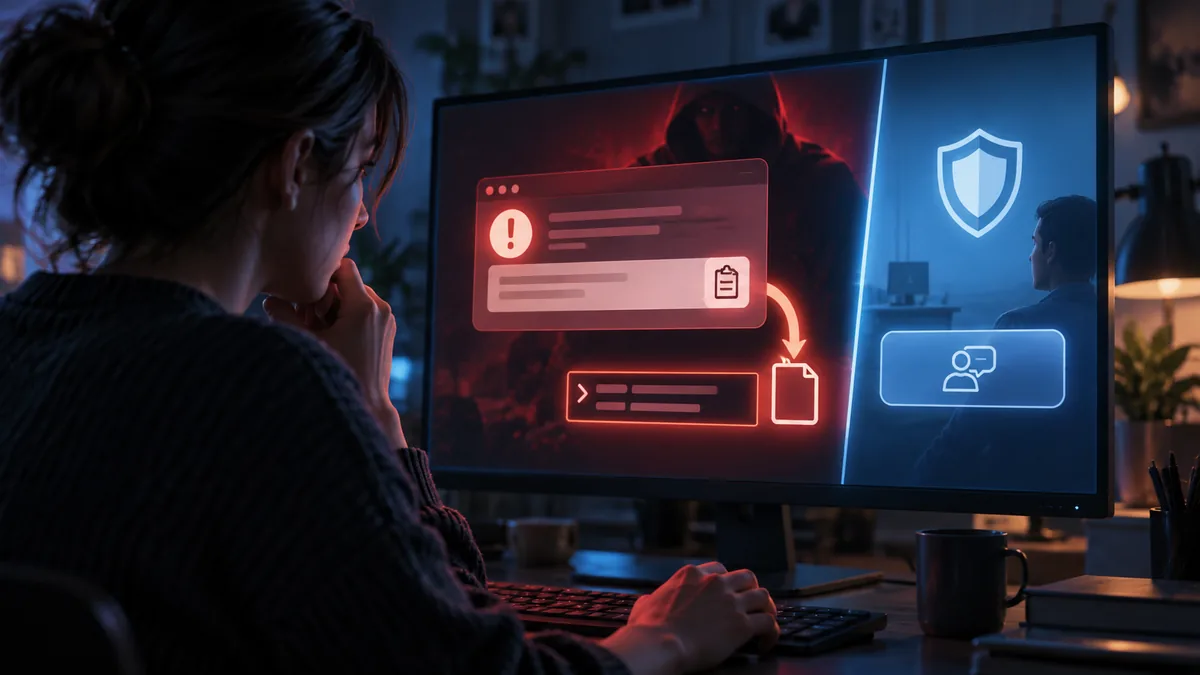
ClickFix exploits a user’s willingness to solve an apparent problem. Instead of relying only on a malicious attachment or credential form, a fake error or verification page instructs the victim to copy and run a command. Because the user initiates execution, defenders need detection that follows process behavior and command provenance, as well as training that tells staff to report the prompt rather than follow it.
Why MSBuild Matters
The choice of MSBuild.exe as the execution vehicle isn't incidental. It's part of a broader pattern of attackers favoring “living-off-the-land” binaries — legitimate, pre-installed, digitally signed tools like PowerShell, MSBuild, mshta, and rundll32 — specifically because their presence and use is common enough that blocking them outright breaks legitimate workflows, and their signed status lets them slide past defenses tuned to catch unfamiliar executables. The malicious logic lives in the project file the tool is told to run, not in the tool itself, which is exactly what makes this class of technique hard to catch with signature-based detection alone.
The Bigger Pattern
ClickFix has appeared in campaigns using different lures, payloads, and operating systems. Activity levels vary by measurement and reporting period, so a single growth percentage should not be treated as a current universal rate. The reusable pattern is the important part: a web page, message, or document invents a problem and presents attacker-controlled instructions as the fix.
What Testing Would Catch
- Awareness testing that specifically simulates fake-error and verification social engineering. Most phishing simulation programs still test whether an employee clicks a link or enters credentials. Almost none test whether an employee would paste and run a command because an on-screen message told them to — and that's precisely the gap ClickFix exploits.
- Endpoint detection tuned for living-off-the-land binary abuse. Monitoring MSBuild.exe, PowerShell, and similar trusted utilities for anomalous invocation patterns — launched from a browser-spawned process, downloading and executing project files from the internet — catches this technique regardless of which fake error screen delivered it.
- Application control review for non-developer endpoints. Assessing whether tools like MSBuild genuinely need to be present and executable on machines belonging to hotel staff, finance teams, or other non-technical roles, and restricting them where they don't.
- Hardening and monitoring of Run-dialog and clipboard-driven execution. Group Policy and application-control restrictions on what can be executed via Win+R, combined with monitoring for commands pasted from clipboard content sourced from a browser session, directly address the delivery mechanism.
- Red-team simulation of the exact scenario. Running a controlled, ClickFix-style exercise — a fake verification page with no real payload — against a representative sample of staff measures actual susceptibility far more precisely than a standard link-click phishing test.
What This Means for Your Organization
- Expand security awareness training beyond “don't click links.” Staff need to specifically recognize fake error and verification screens that ask them to run something themselves — a fundamentally different pattern than the phishing training most programs still emphasize.
- Restrict trusted-but-abusable utilities on machines that don't need them. MSBuild, PowerShell, and similar tools should be locked down or closely monitored on any endpoint outside a legitimate development or administrative context.
- Treat Run-dialog command execution as a monitored action, not invisible background capability. If your environment can't currently see or flag this, that's a detection gap worth closing before it's tested by a real campaign.
- Add fake-crash and fake-verification scenarios to your phishing simulation program. A workforce that reliably resists a fake login page can still be fully susceptible to a fake BSOD — these are different skills that need to be tested separately.
- Assume this technique will keep wearing new disguises. Any service your staff regularly interacts with — a booking platform, a delivery notice, a software updater — is a viable template. Sector-specific ClickFix campaigns will keep expanding well beyond hospitality.
The malware family can change; the user-directed execution pattern persists. Make “do not paste commands from a webpage or pop-up” a clear rule, ensure staff have a fast reporting route, and validate that endpoint controls alert on unusual command-line activity launched from browsers or office applications.